Factory Reset the Control
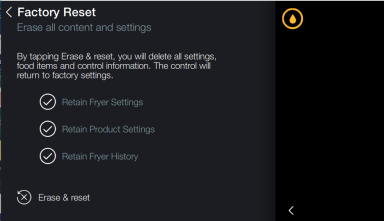
Factory reset of the control will erase all the menus and set all settings back to the manufacturer default. Only perform this procedure when directed by Henny Penny Technical Support.
-
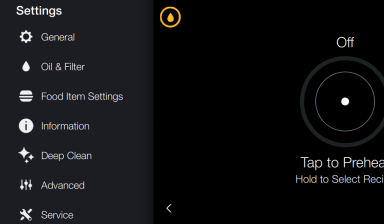
Enter Settings.
-
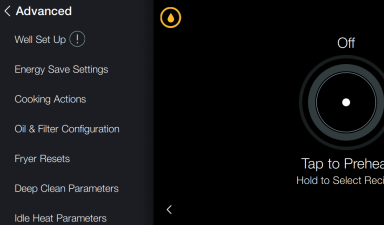
Select Advanced.
-
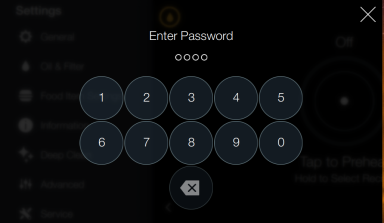
Tap Passcode: 1122
-
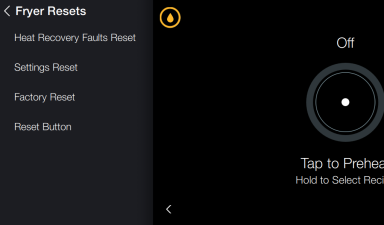
Select Fryer Resets.
-
Select Factory Reset.
-
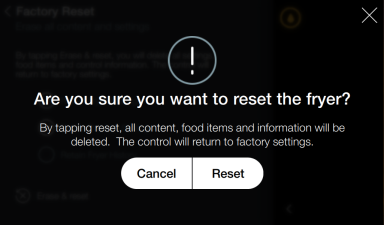
Select Erase & Reset.
-
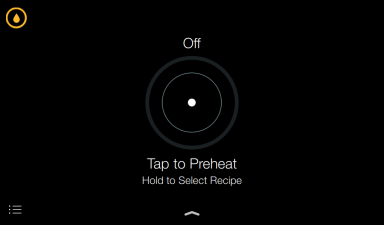
Confirm by pressing Reset. The control resets and setup procedures displays.
-
Complete the setup procedure. NOTE: Ensure the correct zone is selected in Step 9, fryer preparation and finalize the setup.
IMPORTANT!: Do not deselect any options on the Factory Reset screen.