Updating Connectivity Software
Updates are sent Over the Air (OTA) but can be dismissed. If you dismiss the OTA update, follow these steps to initiate a software update.
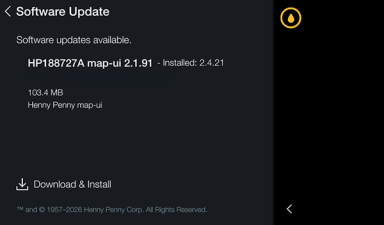
- From the main menu tap Advanced.
-
Tap Software Update.
-
On the Software Update screen, tap Download & Install to begin the software update process.
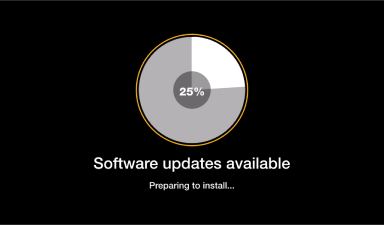
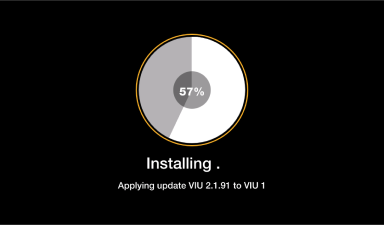
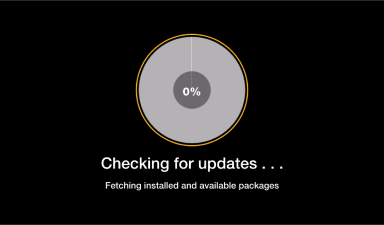
The update will go through three steps:
-
Checking for updates
-
Software updates available
-
Installing
-
Related Content
Changing from a Dedicated Display to a Multi-Product Display
How to Enable Network Connectivity
Troubleshooting the Access Point Connection
Troubleshooting the Cloud Connection
Troubleshooting the User License Agreement (ULA)
Troubleshooting the IP Address
Troubleshooting the Radio (Dongle)
Troubleshooting Radio Software Setup
Troubleshooting Signal Strength
Managing Over the Air Connectivity Software Updates
Reference
OFE 51X Software without Connectivity






